iOSiPhone · iPad
Available
HEARMYVOICE · iOS · Windows
A phrase of a song. A section of your presentation. Record, listen, and find one thing to change.
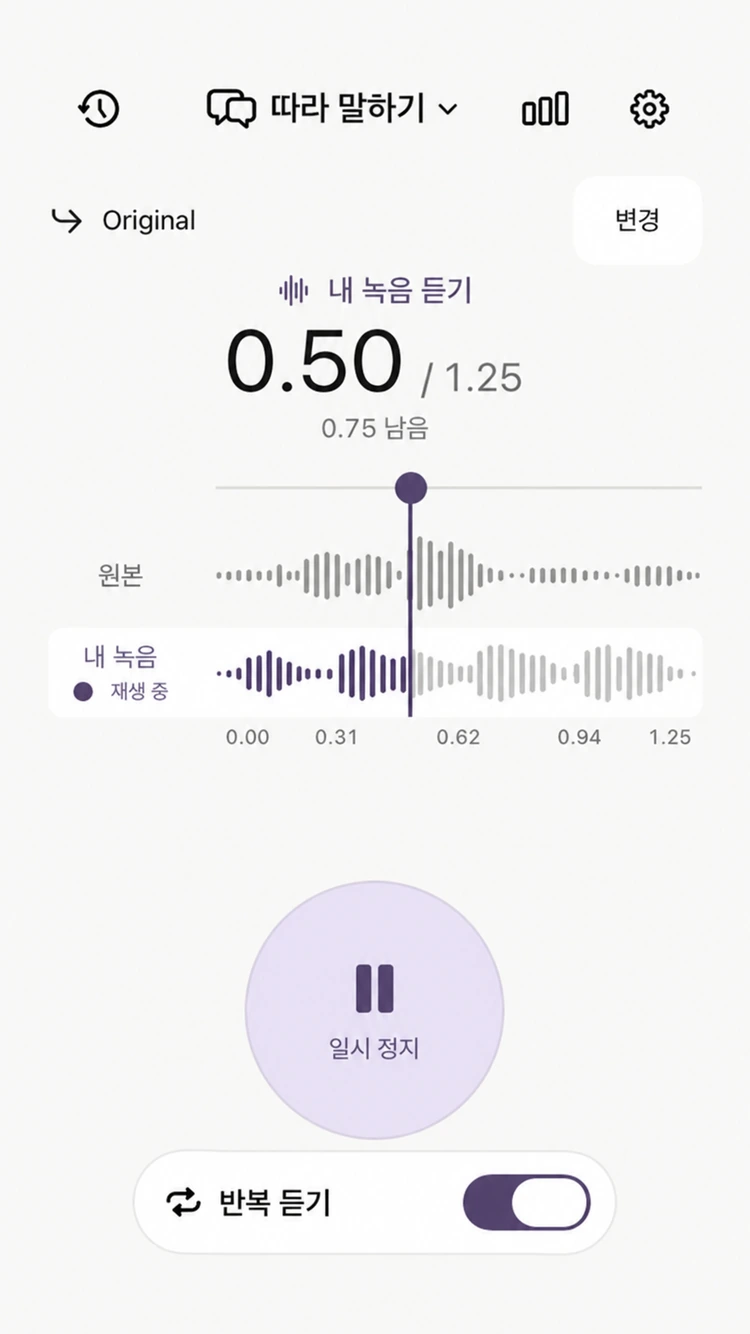
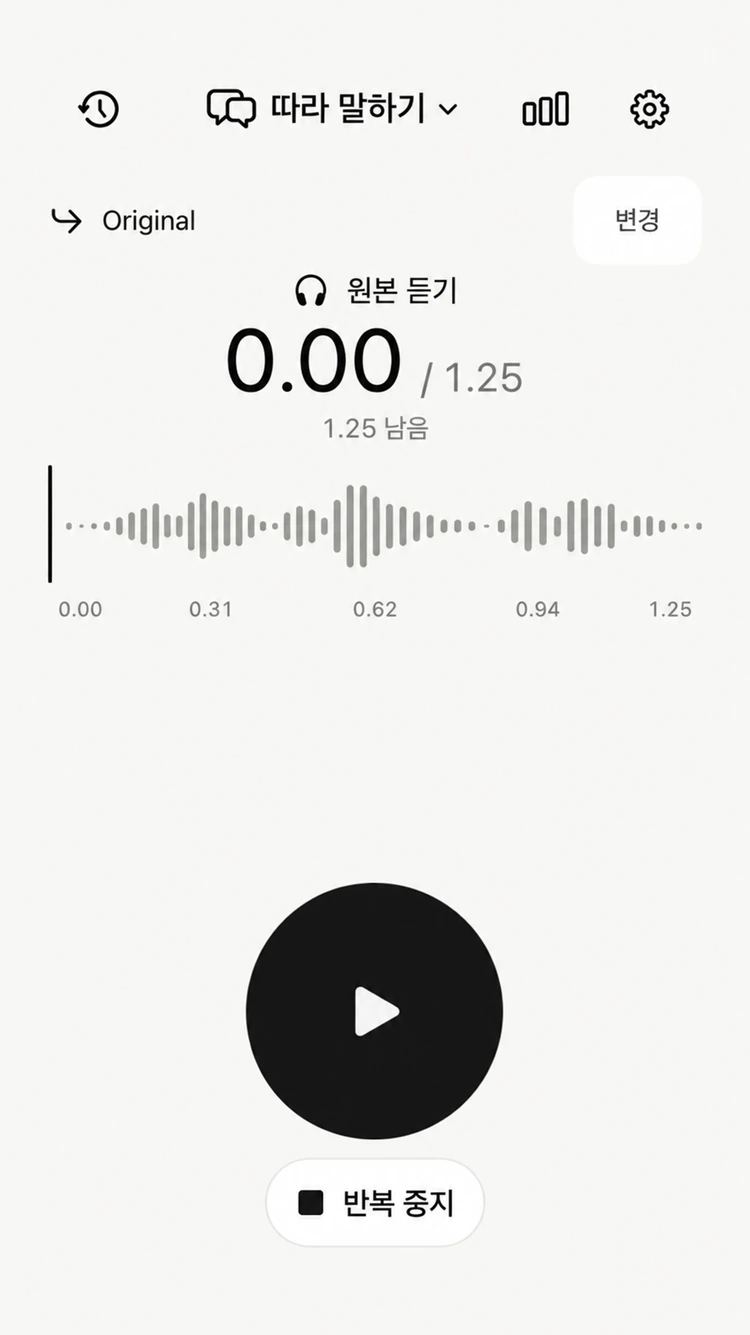
Compare your voice and the original at the same moment.
Listen back to the pace and pauses you may miss while reading your script. Start with an opening, a key explanation, or another short section.
Listen back to the details you miss while singing. Start with one phrase you want to work on instead of singing the whole song each time.
Two voices. One moment.
LISTEN. COMPARE. REPEAT.
Listen to the reference, then speak for the same length of time. When you finish, switch between the original and your voice with a tap.
STAY IN YOUR FLOW
Keep your lines in the practice notes. Move the record button up or down while holding it to scroll through your script.
Import audio when you need accompaniment. Hide the notes when you do not. Set up the screen for the way you practice.
A PLACE FOR EVERY PRACTICE
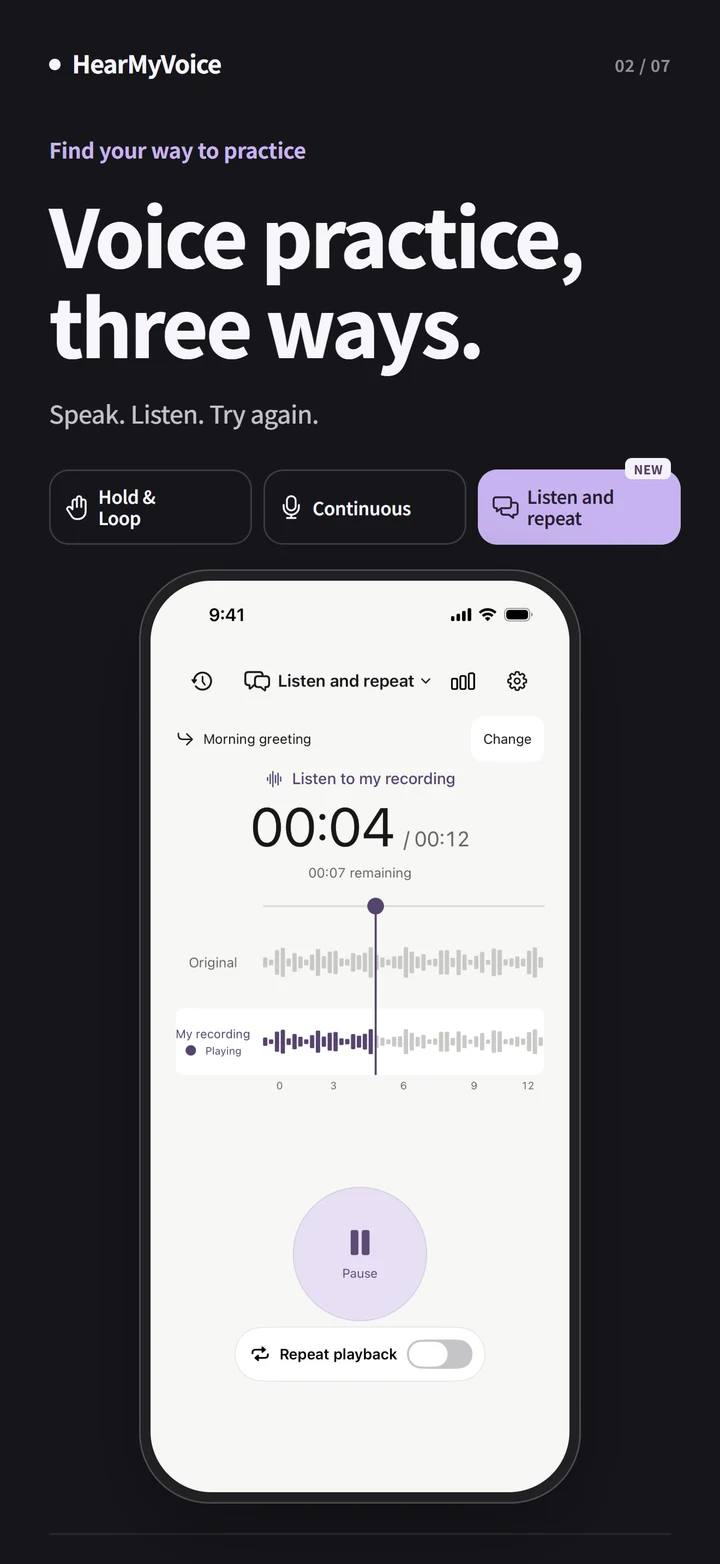
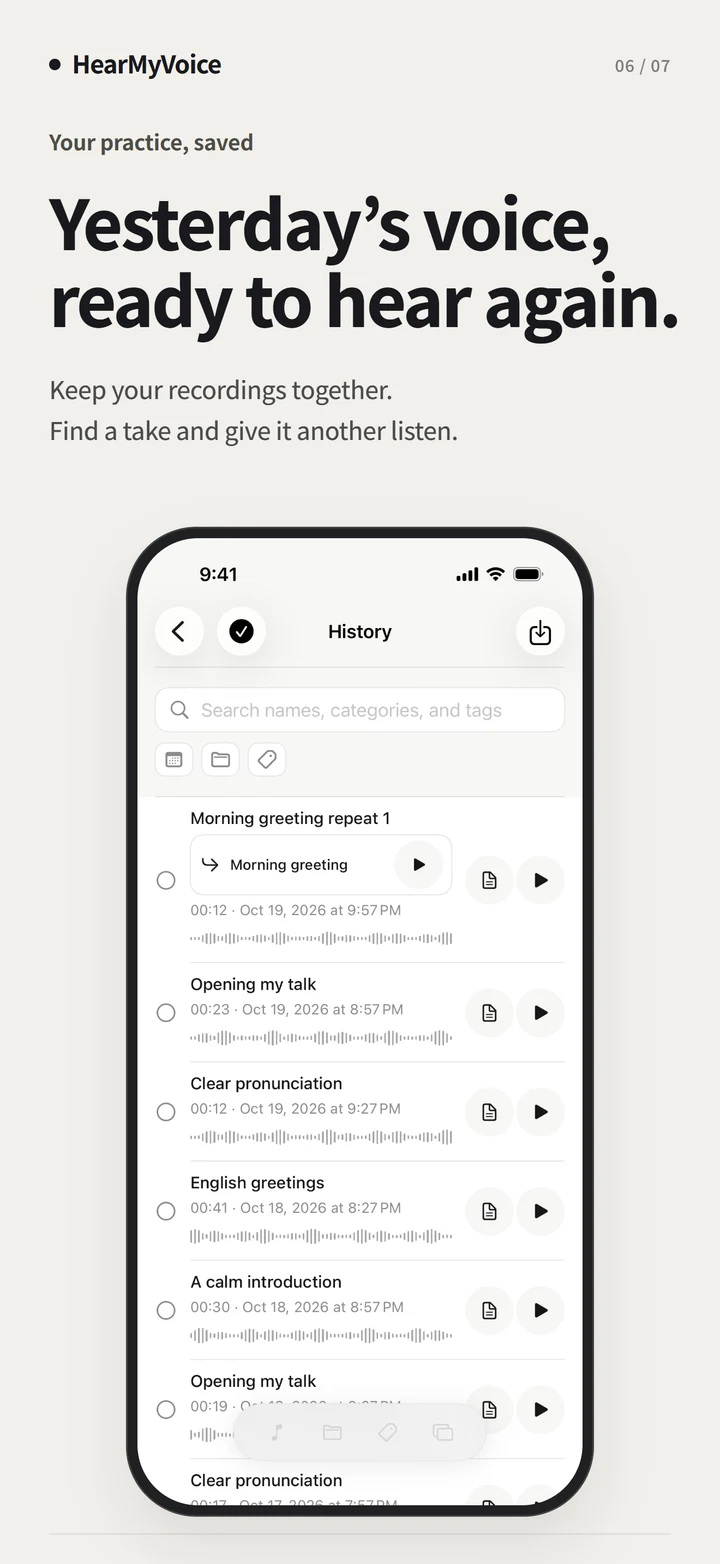
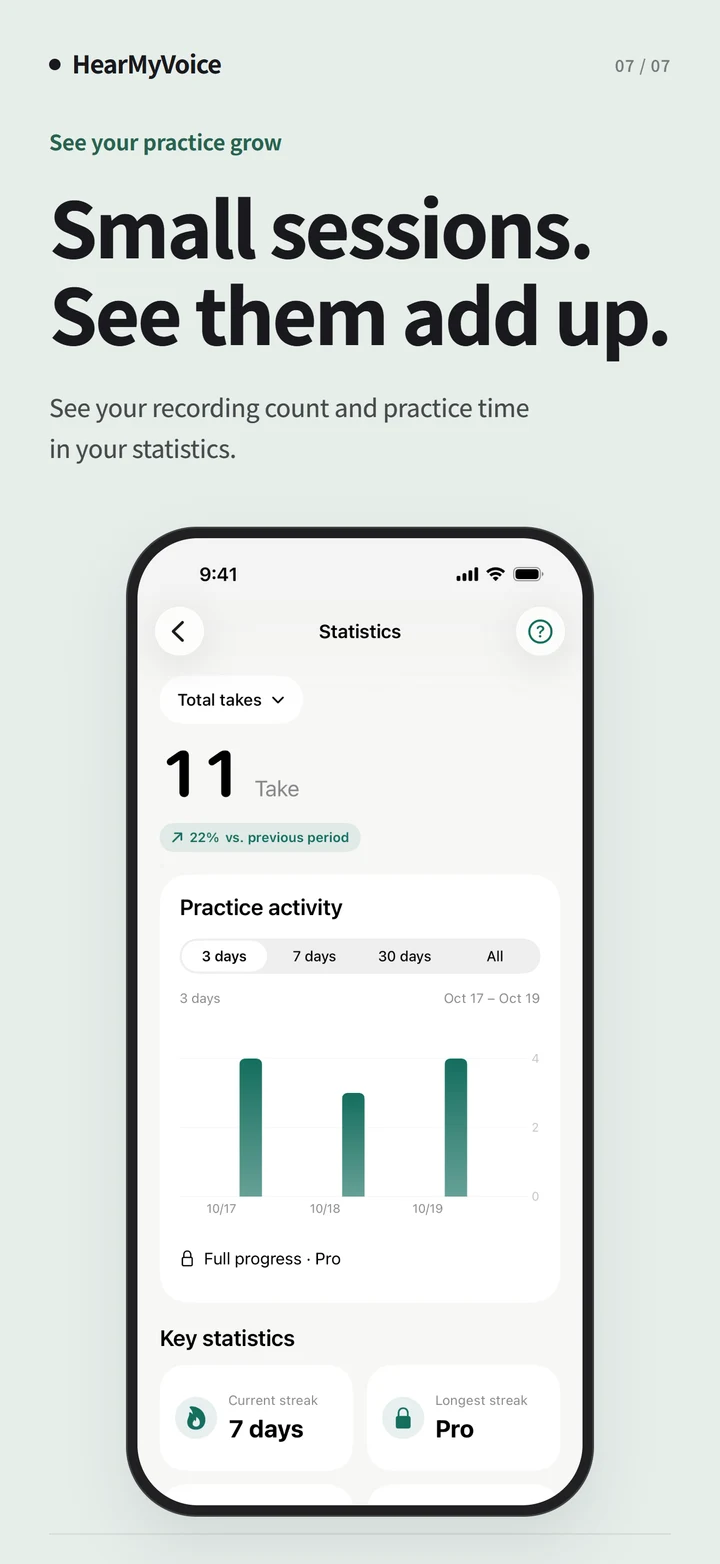
Choose a recording mode for the moment. Set categories and tags with presets, leave notes on each take, and look back through your recordings and statistics.
FROM THE LAB
It started with a wish to make recording and listening a little easier.
Use it for singing and vocals, pronunciation, language speaking, lines, and presentations—any practice where hearing yourself helps.
Accompaniment plays while you record. Reference practice plays the original first, then gives you the same time to record before comparing both voices.
Set up categories and tags in a preset and they will be applied when you record. Use filters to find them together afterward.
Windows x64 · v0.6.13 · 9.0 MB
Windows may show a security warning during installation.